


Restaurant Association of Singapore
Championing the food & beverage industry through advocacy and industry partnerships.
Payments, the POS, the Back Office and the Dinetap App on one account.

Everything Dinetap gives a restaurant, from the counter to the customer.
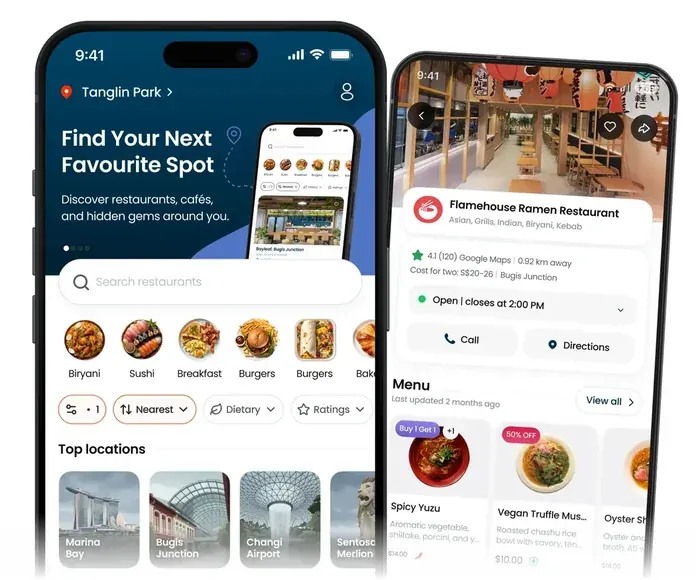
A free app where people nearby browse menus, compare ratings and pick where to eat.
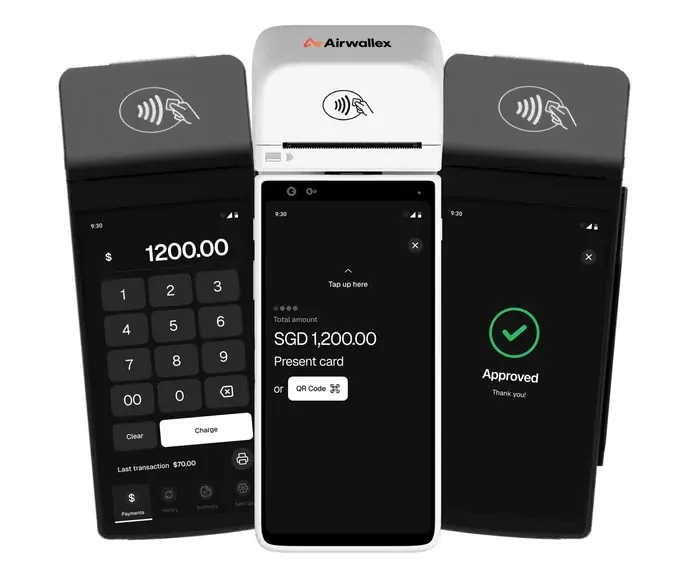
Turns a Dinetap terminal into a card machine that sends each sale to the Back Office.
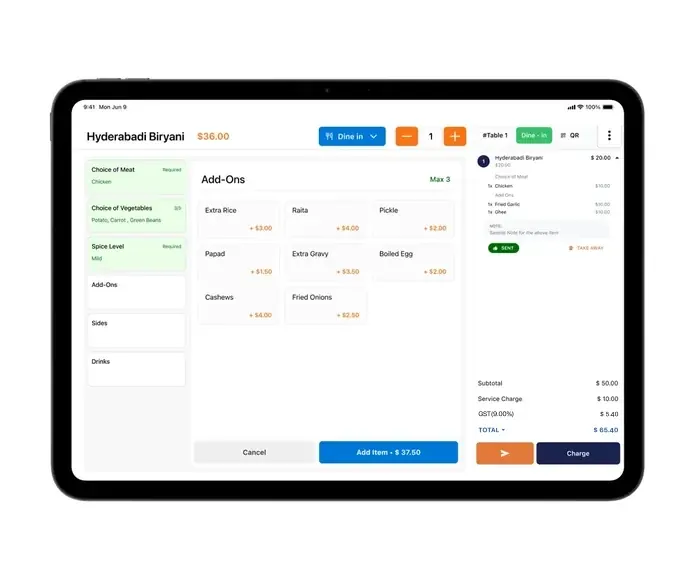
The till and the menu together, connected to the terminal that takes the payment and to the Back Office that reports it.
The web app behind the counter. Every outlet's numbers in one browser tab, with the menu, tax and staff settings behind the same login.
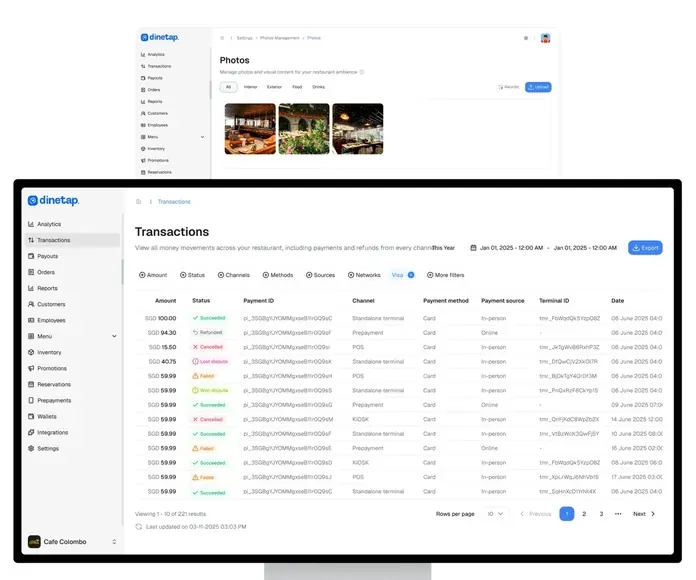
Cards, contactless and mobile wallets, reported in one place alongside the rest of your sales.





Every payment is processed by Stripe, Adyen or Airwallex. Dinetap never holds your funds.


Every account comes with a free card terminal and the Dinetap POS software. There is no rental and no monthly fee: you pay per transaction. Receipt printers and the iPad for the POS are not included.
Spend less on payments. Spend less time on admin.

We pool card volume across every outlet and pass the better rates on.
A free card terminal and POS software. No rental, no monthly fee.
Every outlet’s sales in one Back Office, as they happen.
Dinetap is a member of the Restaurant Association of Singapore and the Food & Beverage Management Association.
Championing the food & beverage industry through advocacy and industry partnerships.

Supporting food & beverage merchants to build a sustainable, thriving business community.
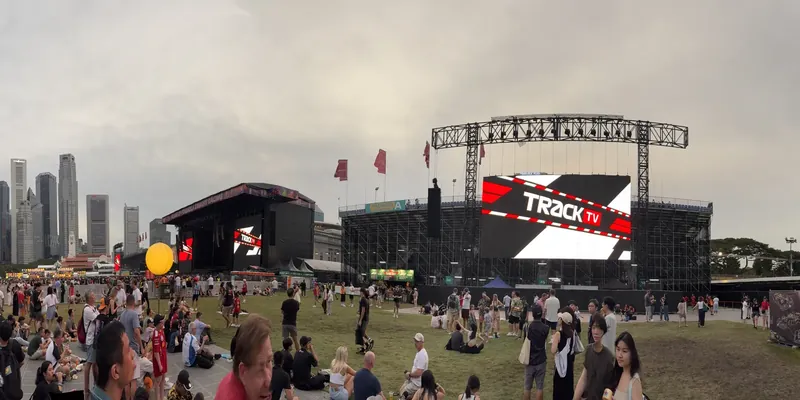
From single outlets to the busiest weekend in the Singapore calendar.
1.5M+
Transactions processed a year
Across restaurants, cafés and event stalls.
Since 2023
POS for food & beverage vendors at the Singapore Grand Prix
S$170M+
Processed a year
Processed for Singapore food & beverage businesses.
News, awards and stories from Dinetap.

Not here? Message us on WhatsApp and we will get back to you.
Register with Dinetap and choose your terminal: the Airwallex M90 or the Castles S1F2 handheld, both free on your account. Once you are set up, you can start serving within 48 hours.
A card terminal takes payment for an amount you key in. A POS holds your menu and your prices, records what was sold and reports on it. With Dinetap the POS runs on an iPad and the payment is taken on the card terminal, and both report to the same Back Office, so the day's sales are in one place.
Yes. The terminal is cordless, which is usually all a stall needs, and the same account gives you the Back Office whether you run one counter or ten. There is no monthly fee: you pay only the card rate on each sale.
Card takings are settled to your own bank account by the payment provider on your Dinetap account. Ask us for the settlement timing that applies to your setup. We will give you the exact terms rather than a headline.
Yes. Dinetap is a cloud system, so the till, the terminal and the Back Office all work over your connection. If your outlet has patchy Wi-Fi, the Castles S1F2 handheld also connects over 4G. Tell us before you order the hardware and we will go through what that means for your service.