


Dinetap for WooCommerce

Accept secure, fast, and modern online payments on your WooCommerce store with Dinetap.
The Dinetap plugin connects your store to our reliable payment platform,

powered by Adyen.

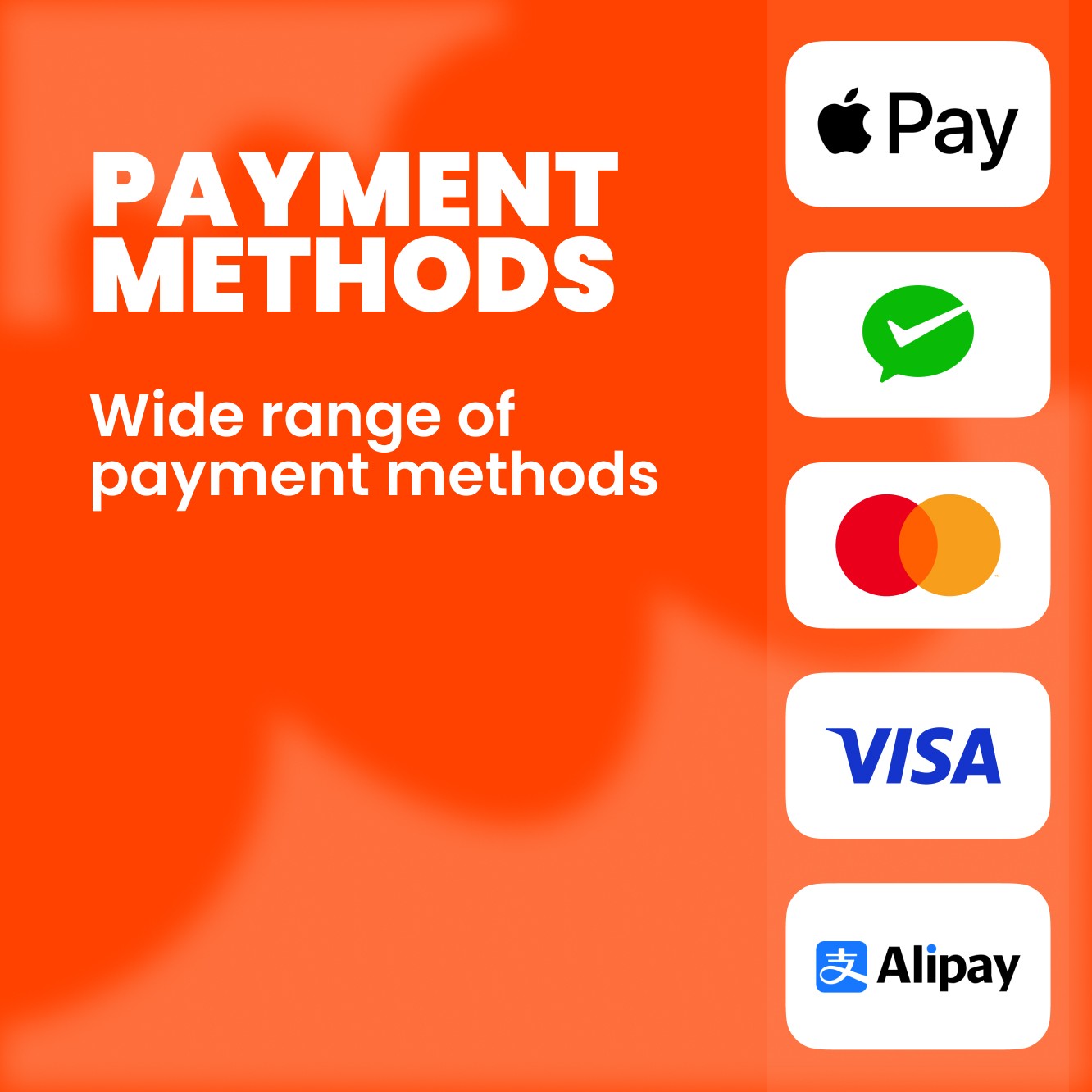
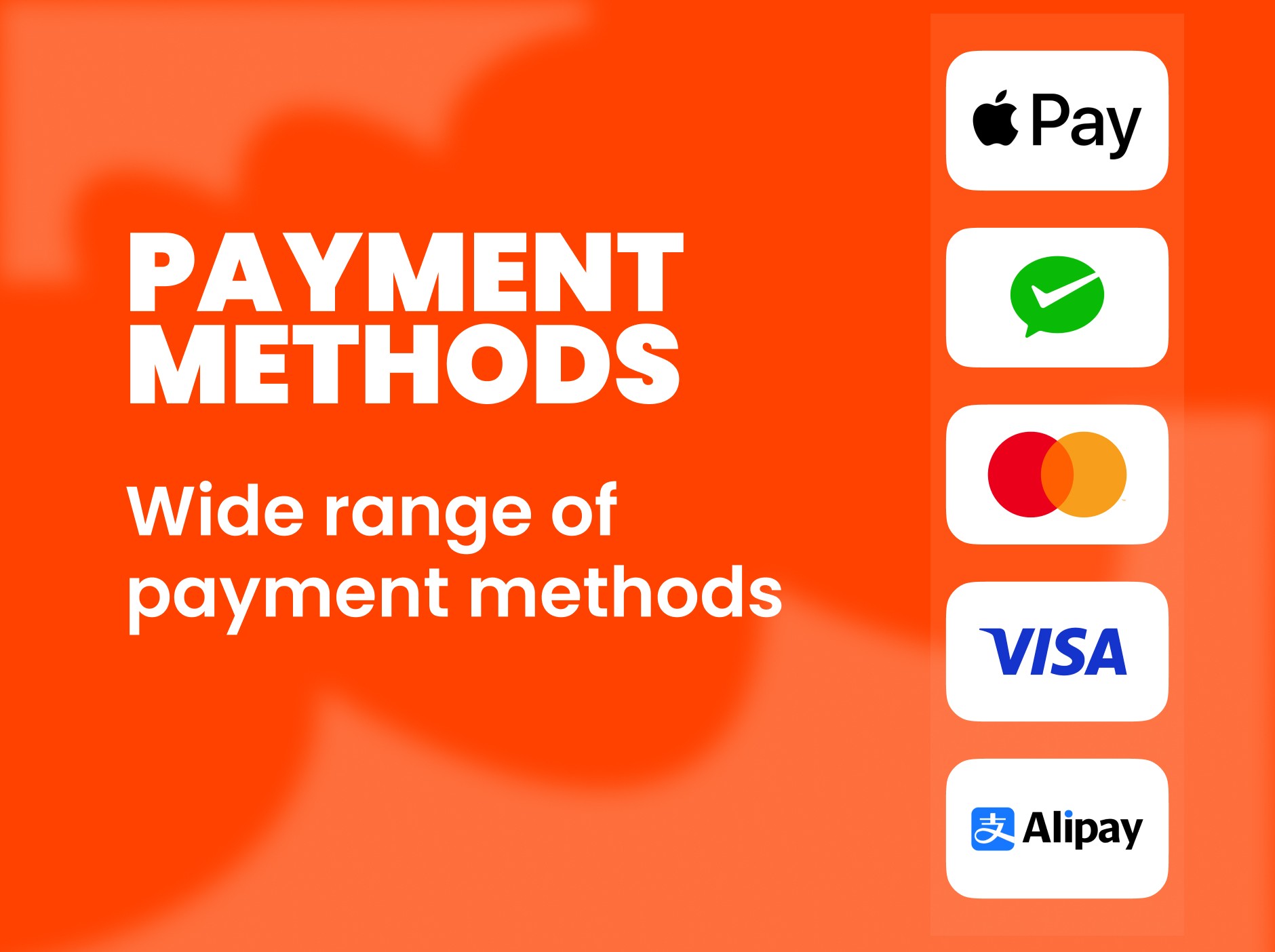
Wide Range of

Payment Methods

Give customers flexible payment choices. Cards, wallets, and global/local methods appear instantly at checkout, fully synced with your Dinetap merchant account.

Seamless Checkout Experience

A clean, fast, and mobile-optimized checkout that works smoothly across all devices, reducing friction and improving order conversion.

High Performance

Stable and scalable processing with real-time status updates and HPOS support, ensuring smooth performance during peak sales.

Secure & Trusted

Secure payments powered by Adyen through Dinetap, with PCI compliance, 3D Secure authentication, and no sensitive data stored on your server.

Easy Setup

Set up Dinetap for WooCommerce in just a few minutes. From installation to enabling payments at checkout, every step is designed to be simple so you can start accepting payments without any hassle.

Install the Plugin

Search for “Dinetap” in the WordPress plugin store or upload the ZIP file to install it manually.

Enable Dinetap

Activate Dinetap as a payment option from WooCommerce payment settings.


Enter Your Credentials

Add your Client ID and Client Secret, then select Test or Live mode. If you don’t have credentials, request them from our support team at [email protected].


Start Accepting Payments

Payment methods enabled on your Dinetap account will automatically appear at checkout and start accepting payments instantly.

FAQ's